If the patient has a rash or some other instance where you want a picture to reference later, you can use the patient's camera on their device to capture an image remotely and annotate it on your end to save into the patient's record.
In the upper right corner of the screen is a snowflake icon. When you click this icon, the video visit opens up a capture window. Ask the patient to hold up to their camera whatever you want to capture.
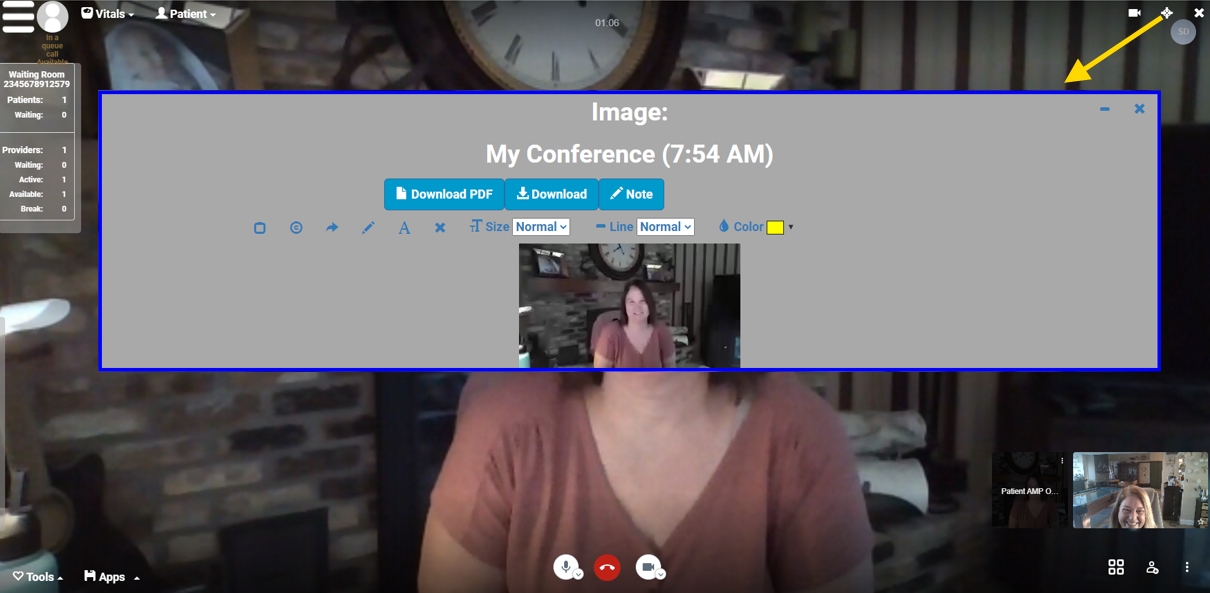
Then you can use the controls to capture the image, mark it up, and download it as a PDF or image to save in the patient's chart in your EMR.