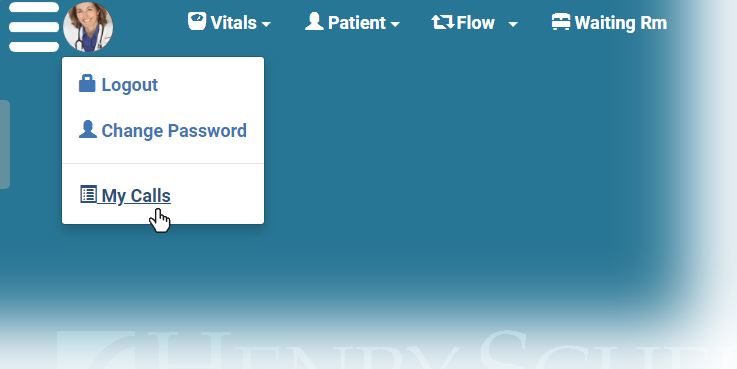
If you need to generate a list of any or all of the video calls you’ve taken, you can export a visit list right from your profile. Just click your profile picture and select My Calls.
To access the report, click your profile picture and select My Calls.
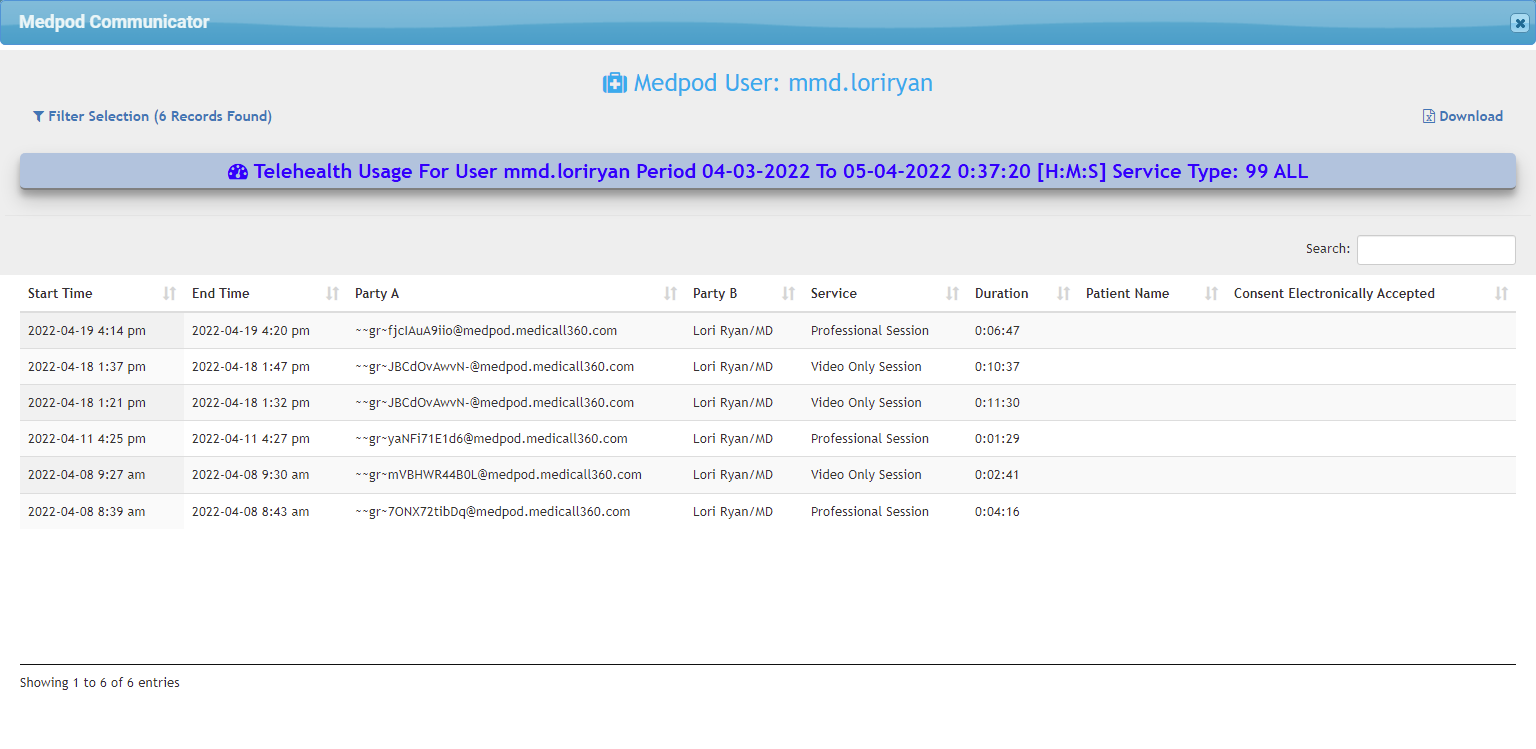
The call list opens and defaults to the last month, but you can search the list of calls by any string of text to find the one you want. If you know that the visit you need to find was at four o'clock, but you don't know anything else, you can type 04: in the Search field to filter the list to only those visits that 04: in the entry somewhere.